VS Code üzerinden flutter projemi oluşturuyorum fakat emulatorü seçip F5 ile başlattığımda şu hatayı alıyorum.
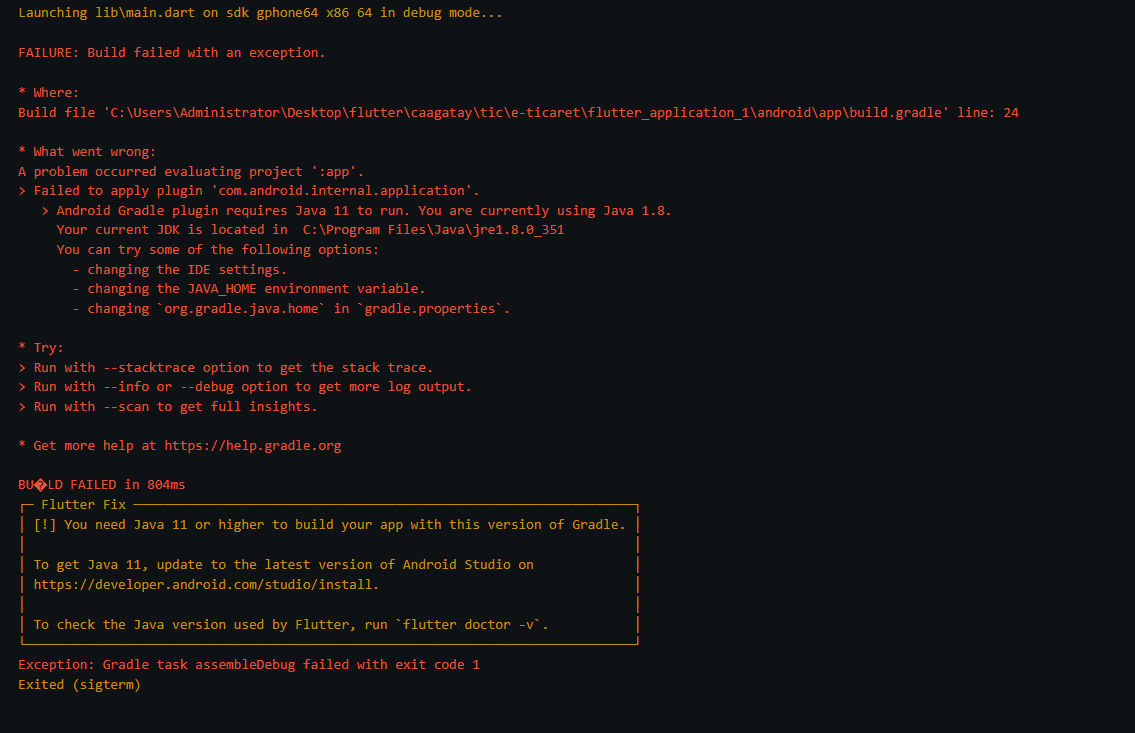
DEBUG CONSOLE
FAILURE: Build failed with an exception.
Failed to apply plugin ‘com.android.internal.application’.
Android Gradle plugin requires Java 11 to run. You are currently using Java 1.8.
Your current JDK is located in C:\Program Files\Java\jre1.8.0_351
You can try some of the following options:
- changing the IDE settings.
- changing the JAVA_HOME environment variable.
- changing org.gradle.java.home in gradle.properties.
Run with –stacktrace option to get the stack trace.
Run with –info or –debug option to get more log output.
Run with –scan to get full insights.
BU�LD FAILED in 804ms
┌─ Flutter Fix ─────────────────────────────────────────────────────────────────┐
│ [!] You need Java 11 or higher to build your app with this version of Gradle. │
│ │
│ To get Java 11, update to the latest version of Android Studio on │
│ https://developer.android.com/studio/install. │
│ │
│ To check the Java version used by Flutter, run flutter doctor -v. │
└───────────────────────────────────────────────────────────────────────────────┘
Exception: Gradle task assembleDebug failed with exit code 1
Exited (sigterm)
